
🌟 Introducing Our New Warp Plugin!

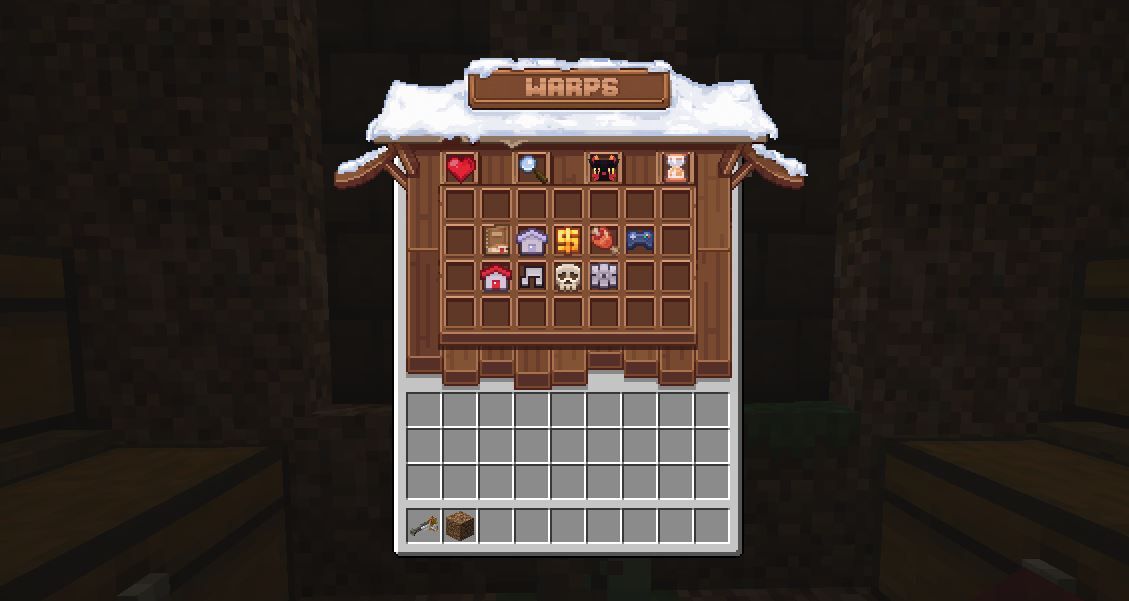
We’re excited to announce that our custom warp plugin has been fully tested and finalized! This update brings a ton of new commands and interface improvements, so be sure to check out the new command list below.
Accessing Old Warps:
All warps from the old plugin are still available via /wcwarps:warp <warpname>. It is ESSENTIAL that you move your warps asap as this will be depreciated soon.
Transferring Warps to the New Plugin:
You can move your old warps onto the new system using /pwarp create or /warp create. The cost for creating a warp has changed to $100. (Once old warps are moved over, this will change to warp.)
Warps have several categories for you to choose from, and the faster you get your warp on the list the further to the front it will be! We're offering compensation for any warps you transfer before the staff team do it for you. Simply post in Ask a Staff with the warps you moved, and we’ll refund you as soon as possible. If a helper, mod or admin is online, they can delete your old warp and refund the $100 immediately if you need the cash beforehand.
Important Rules:
It goes without saying we expect you to be responsible and not take warp names owned by others already. If you do (for example, claiming /warp cide before cide has a chance to move his), the warp will be removed and you will NOT be refunded. If you're unsure, simply /oldwarp <name> to make sure its not taken.
- You can now move, rename and transfer ownership your warps freely, with no extra fee!
Warp Editing
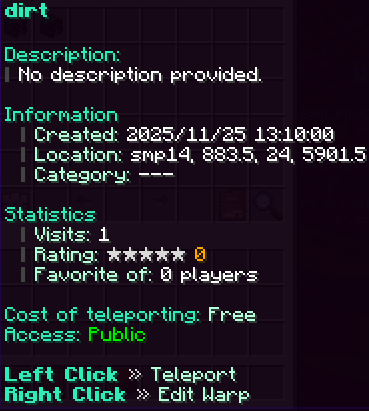
Edit Warp Features:
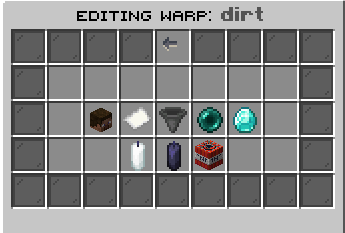
- Rename your warp.
- Change your warp’s icon.
- Add or update warp description.
- Submit your warp into a category. (No waiting on staff to approve!)
- Move your warp.
- Transfer Ownership to someone else.
- Whitelist or blacklist players for your warp.
- Permanently remove a warp.
Quick Guide to Explore Warps
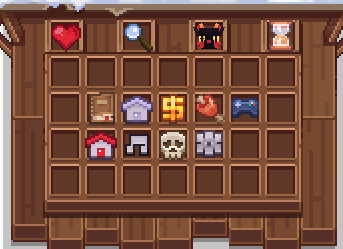
My Favourite Warps: Your personal top picks.
All Warps: Every warp available for exploration.
My Warps: Warps you’ve created.
Recent Warps: Recently visited warps.
Official Warps, Builds,Shops,Farms,Minigames,Towns,Fun,PvP,Other.
(The only one you wont be able to submit your warp to will be the Official Category)